
Undo a change
Every change Gridora makes in Shopify can be undone from History for 7 days, on every paid plan (Starter, Premium and Enterprise).
Undo a change
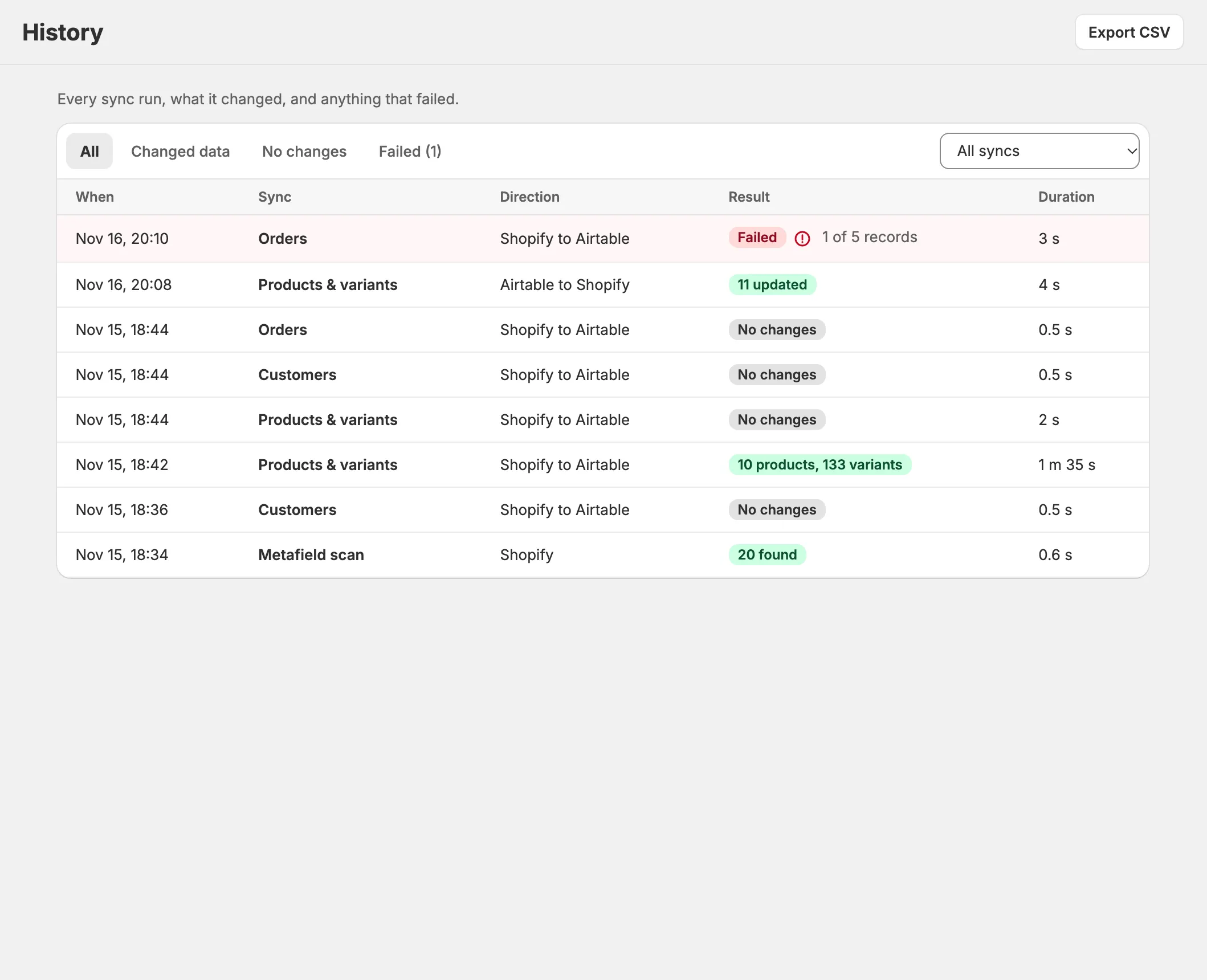
Section titled “Undo a change”- Open History and find the run. You can filter by data and by result.
- Open the change and click Undo change.
- Gridora puts the old value back in Shopify, and History records the undo.
What can’t be undone
Section titled “What can’t be undone”- Changes older than 7 days.
- A change that was already undone.
- Copies from Shopify to Airtable. Undo reverses what Gridora wrote to Shopify.
History can be exported as a CSV file.